
October 8, 2025
Anthony Garfinkle
September 2025 updates
Claio’s interface has been refreshed with a cleaner, more intuitive navigation. The sidebar is streamlined for faster access to the features you use most, while the...
- Features
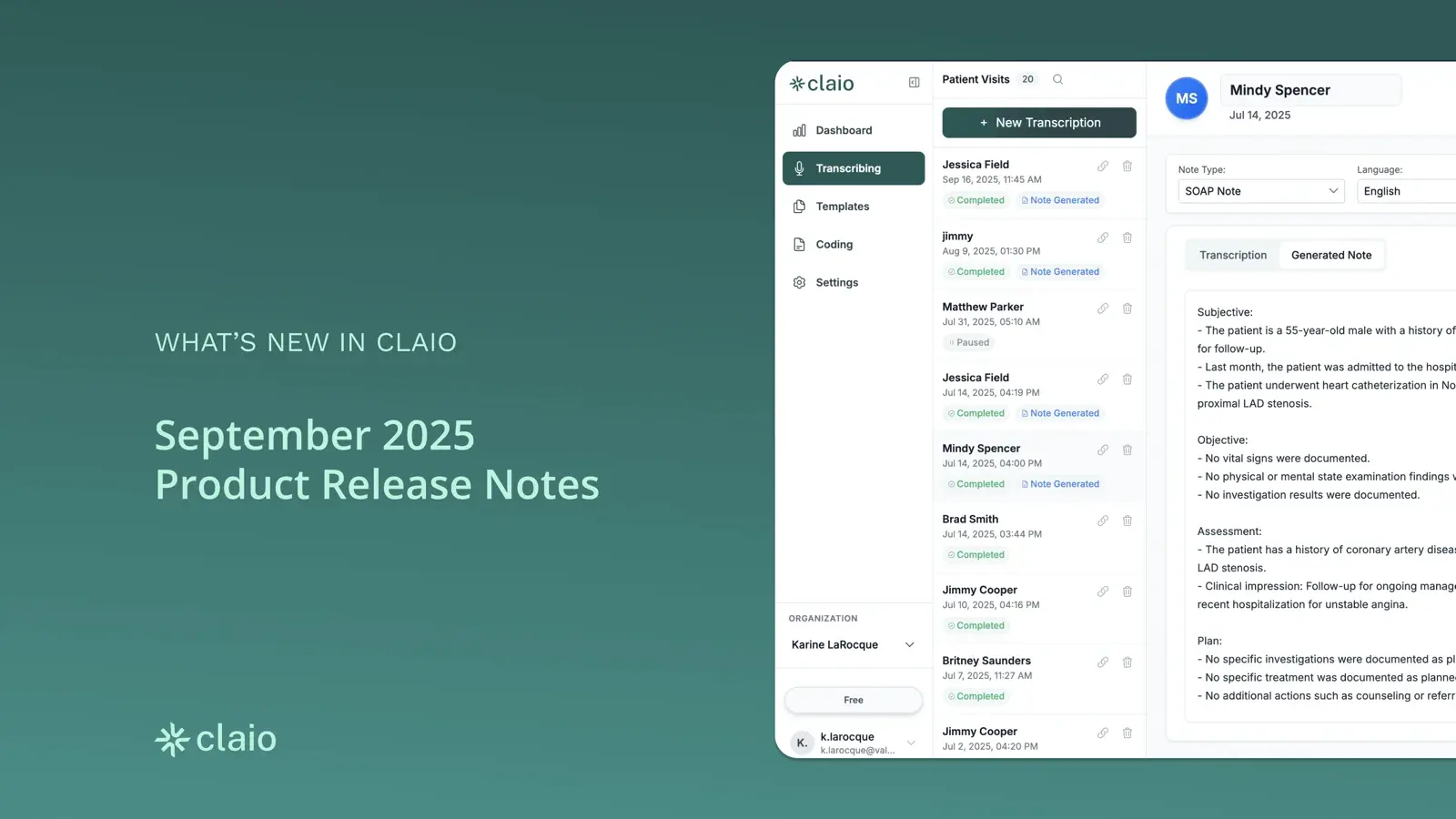
What’s new
- New Look
- Ask Claio
- Patient context view
- MacPractice retroactive linking
- Smarter CPT coding
- Word Bank system
- Dashboard metrics
- General system improvements
- Organization memory
- Connect with Google
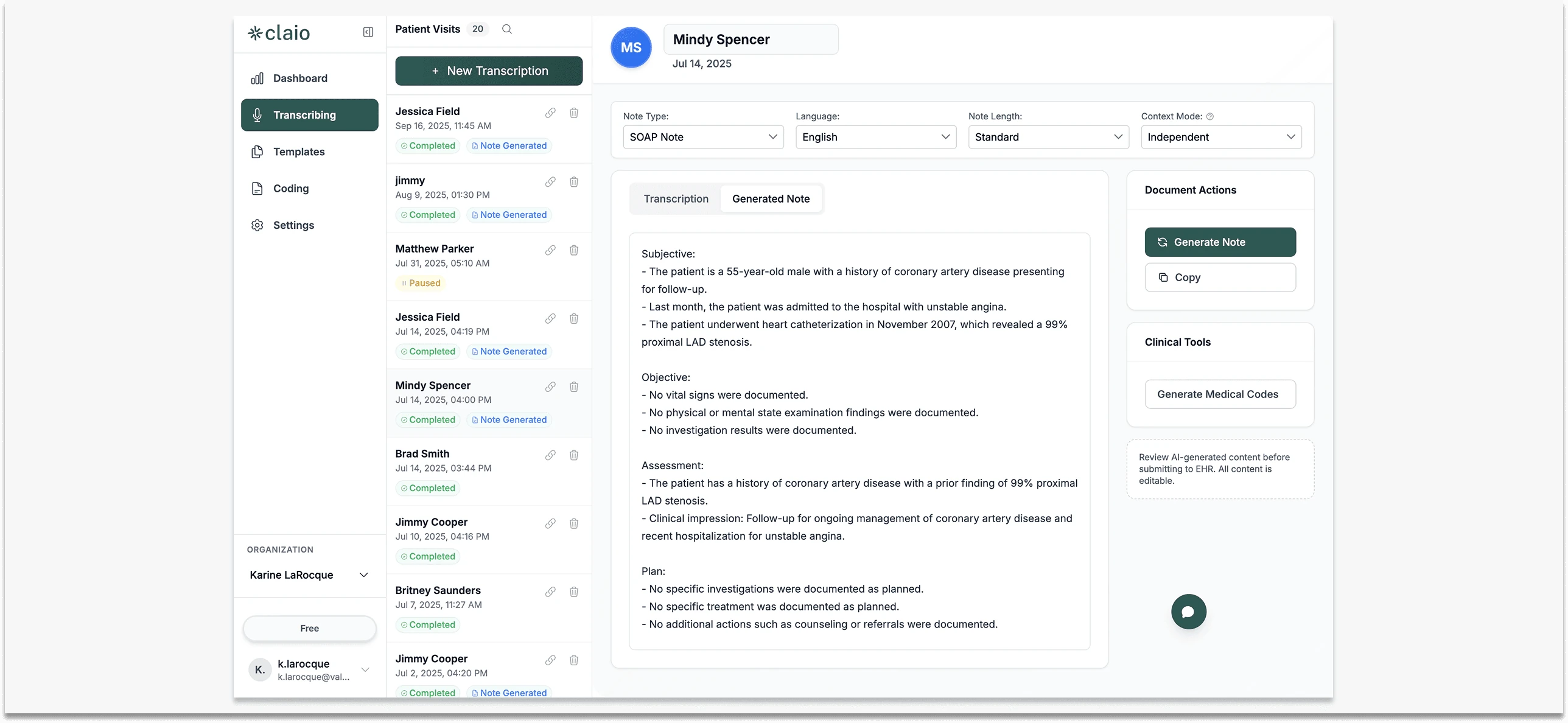
New Look
Claio’s interface has been refreshed with a cleaner, more intuitive navigation. The sidebar is streamlined for faster access to the features you use most, while the workspace layout makes it easier to move between patients, notes, and settings without breaking your flow. Icons and menus have been simplified, giving you a clearer path through each task.
How to use it: Just log in, you’ll see the updated navigation automatically. Key actions like starting a note, reviewing patients, or opening Ask Claio are now only a click away.
Why it matters:
- Faster, smoother navigation
- Less time searching for tools
- A more modern, focused workspace
Ask Claio
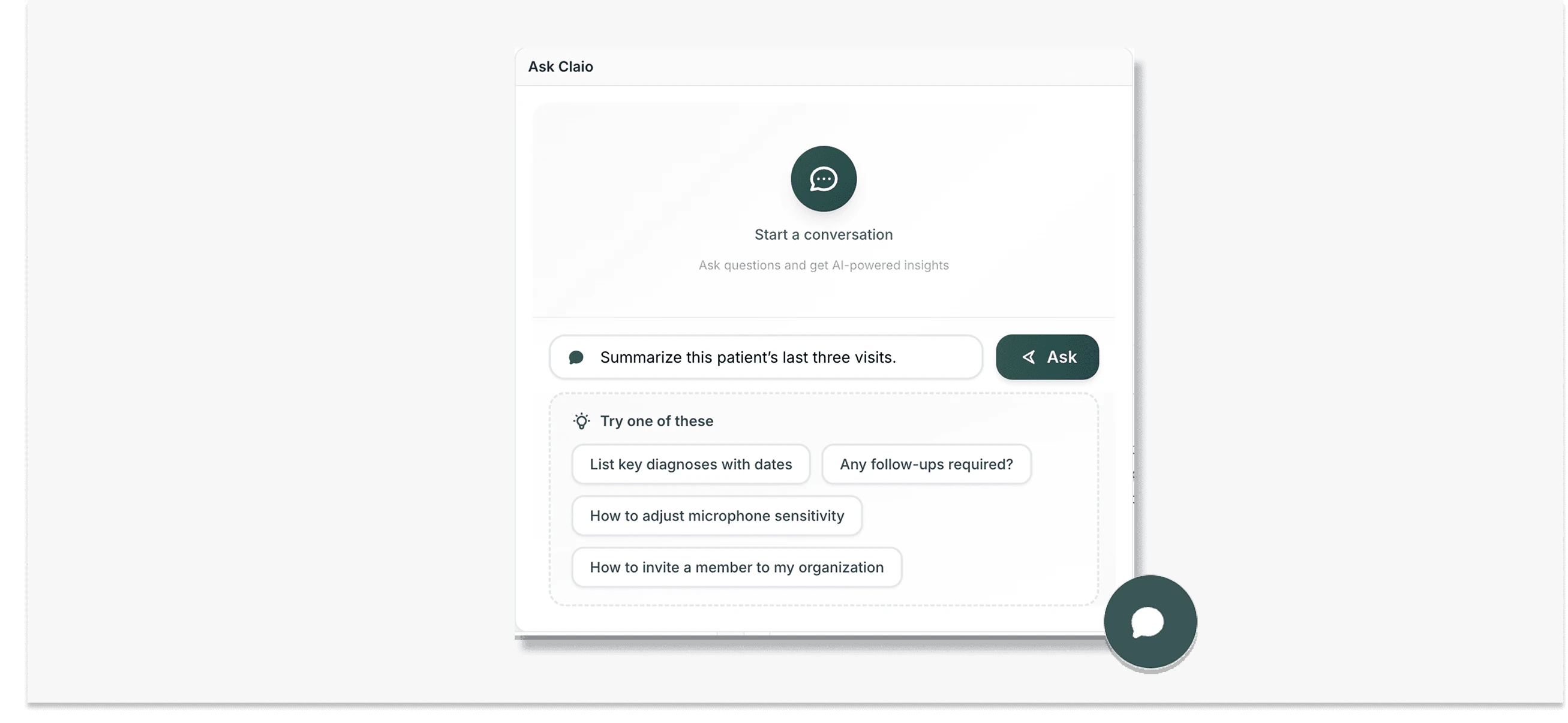
Think of Ask Claio as your built-in assistant. It’s no longer just a way to search transcripts, it can now guide you through Claio itself and* *answer clinical queries.
Ask setup questions like “How do I invite a new team member?” or clinical ones like “Summarize this patient’s last three visits.” You’ll get clear, step-by-step answers instantly.
How to use it: Open the Ask Claio panel from your workspace and type or speak your question. Works in both setup and patient views.
Why it matters:
- Answers without leaving your workflow
- Faster onboarding for new staff
- More time to focus on care
Patient context view
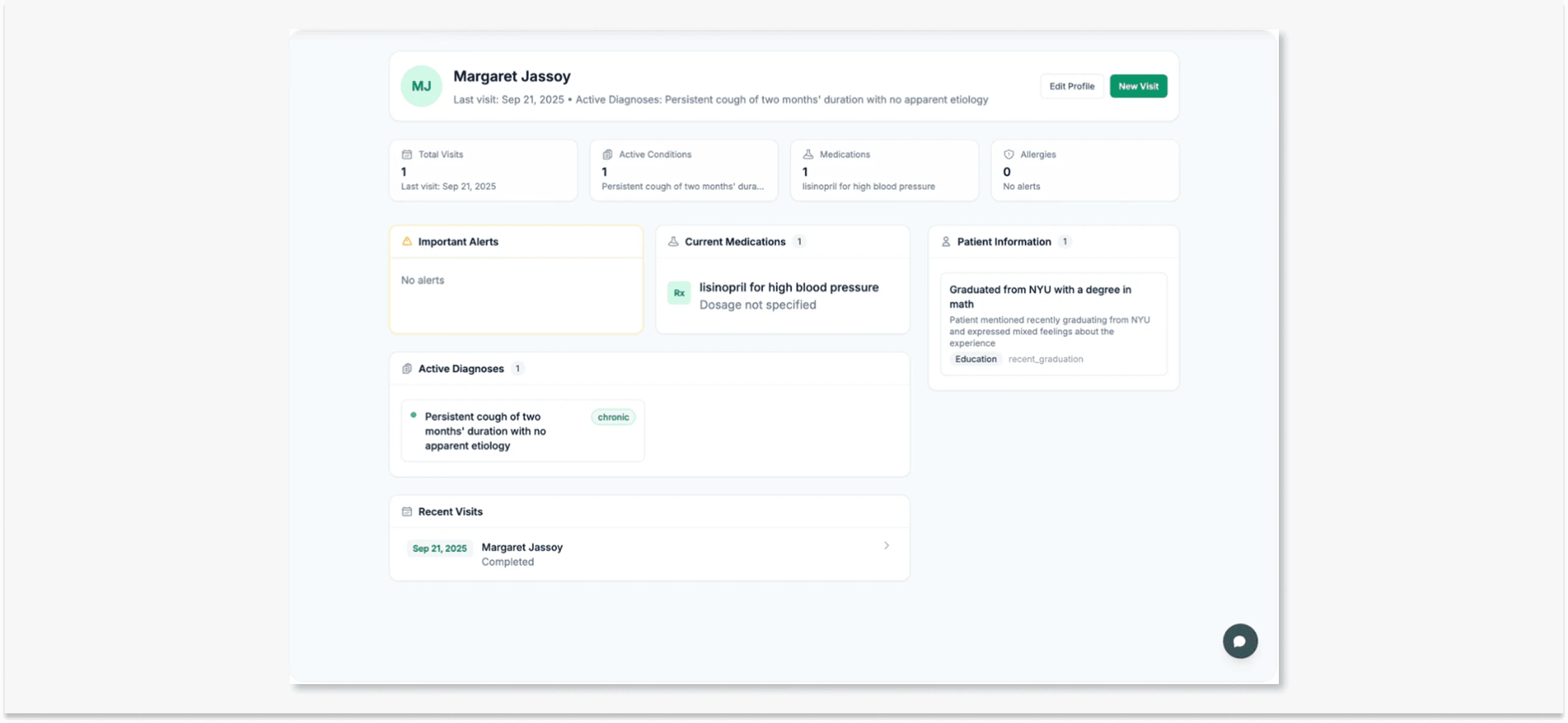
Patient details used to live across multiple notes. Now they’re organized in a single, dedicated page: diagnoses, medications, visit history, and key details at a glance.
With the patient context view, you walk into each visit with the full story already in front of you.
Profiles are now fully editable, with improvements across:
- Profiles: update addresses, phone numbers, and identifiers
- Diagnoses: add/edit with dates and configurable ranges
- Medications: manage dosages, discontinue meds, link to visits
- Allergies: track severity and reactions
- Visits: clearer, optimized display
How to use it: In Settings, enable Patient Context Mode. Click into a patient’s profile and select Context View to see a complete summary.
Why it matters:
- One-page continuity of care
- Faster prep before appointments
- Less digging, more clarity in sessions
MacPractice retroactive linking
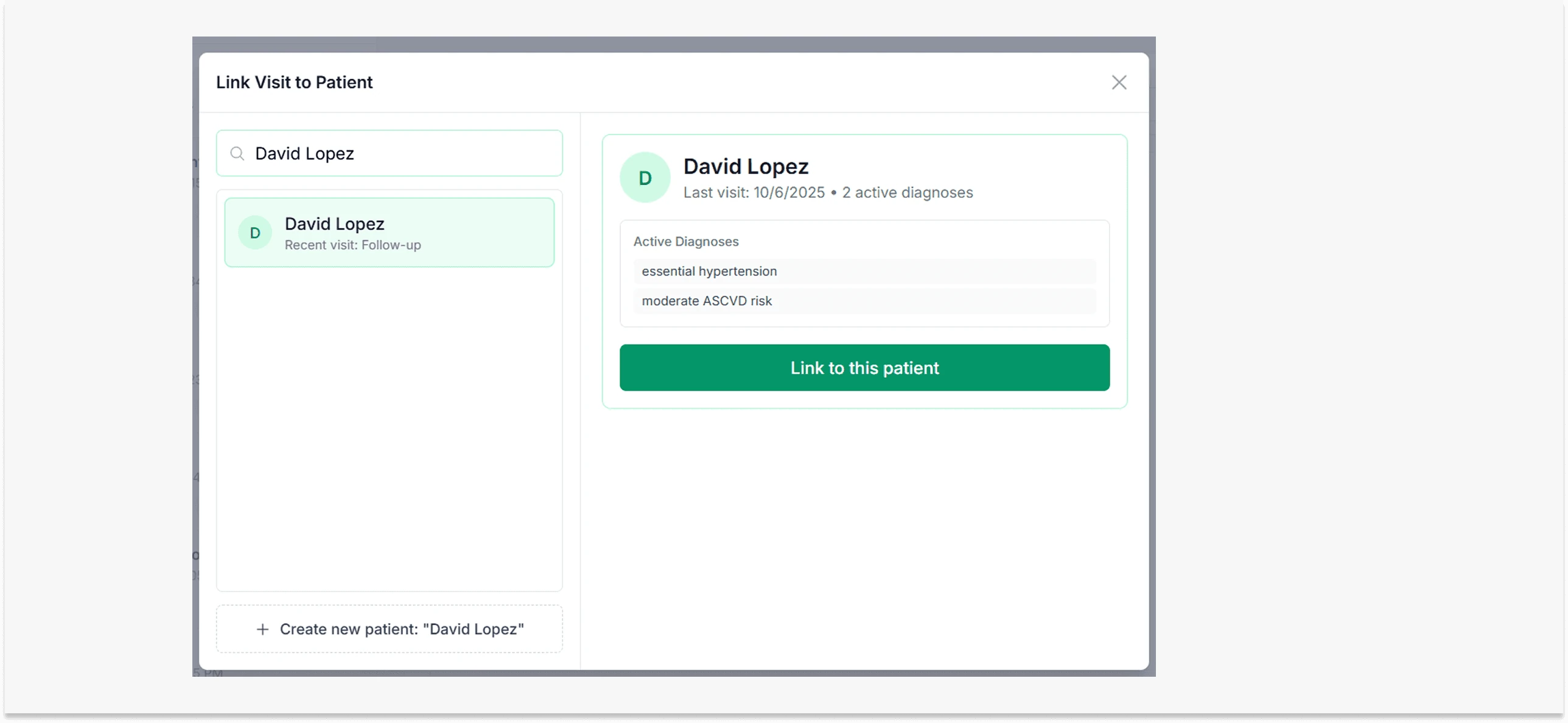
Retroactive linking lets you attach a recording to the correct patient schedule after it’s created. Forgot to link a note when you started recording? No problem. Claio pulls your MacPractice schedule from that day so you can attach it after the fact.
How to use it: After finishing a recording, select Link to Patient → Claio will pull your MacPractice schedule from that day so you can attach it.
Why it matters:
- Keep records consistent
- Never lose a note to workflow slips
- Flexible enough for real-world clinic routines
Smarter CPT coding
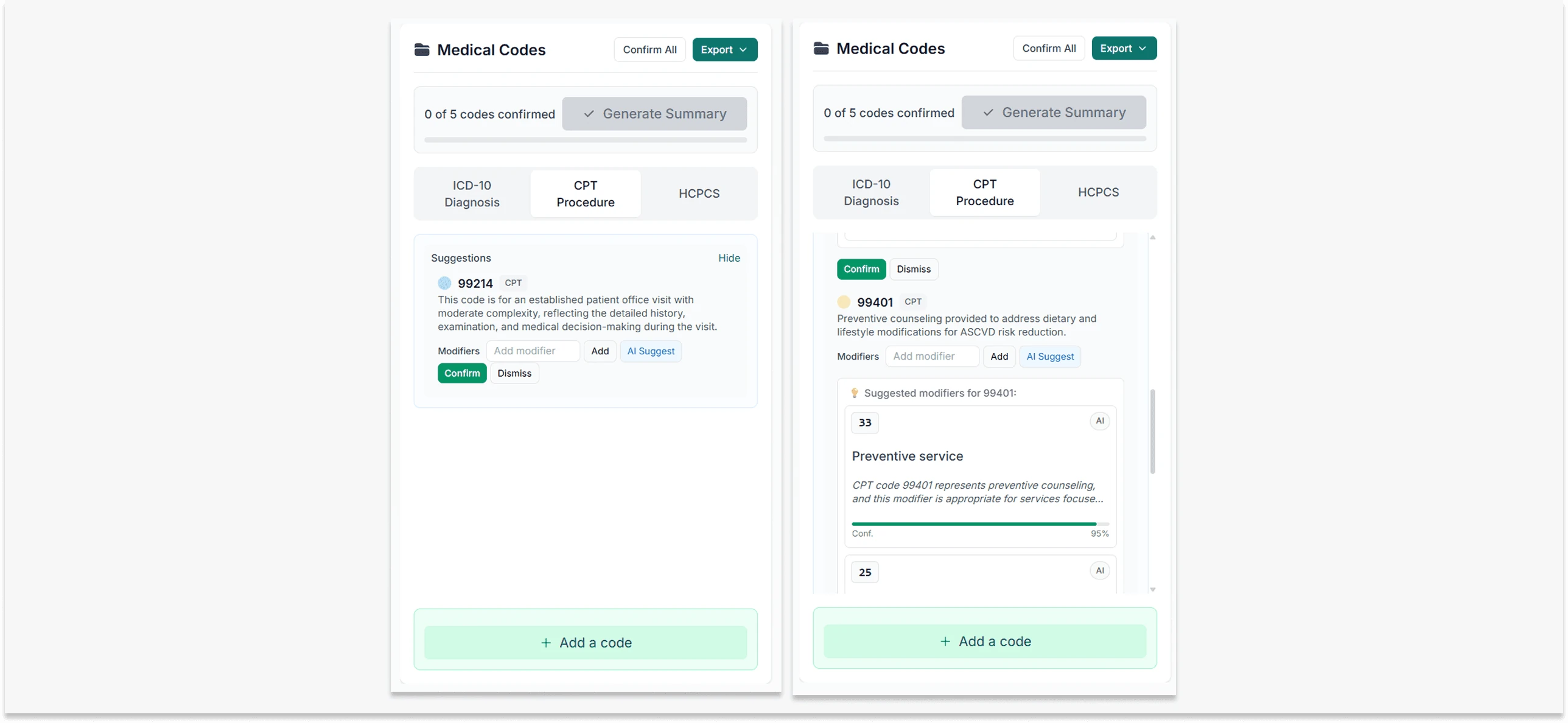
Claio now supports CPT modifier codes (like 26 for professional component, TC for technical component) and offers AI-powered suggestions with confidence scores.
How to use it: When finalizing a note, open the Coding panel. Claio now displays CPT codes with modifiers and confidence suggestions.
Why it matters:
- Reduce billing errors
- Speed up documentation
- Improve compliance and accuracy
Word Bank system
Claio now learns your corrections automatically. Patient names and frequently edited terms get auto-corrected based on your edits, or you can set rules manually.
Why it matters:
- Consistent terminology
- Less retyping
- Saves time on repetitive edits
Dashboard metrics
Organization dashboards now display rolling 30-day metrics with consistent timeframes.
General system improvements
- Faster sidebar + dropdown loading
- Stronger security with added encryption
- Better handling of large patient histories
- Reduced crashes and smoother navigation
Why it matters:
- More reliable performance
- Less frustration in daily use
Organization memory
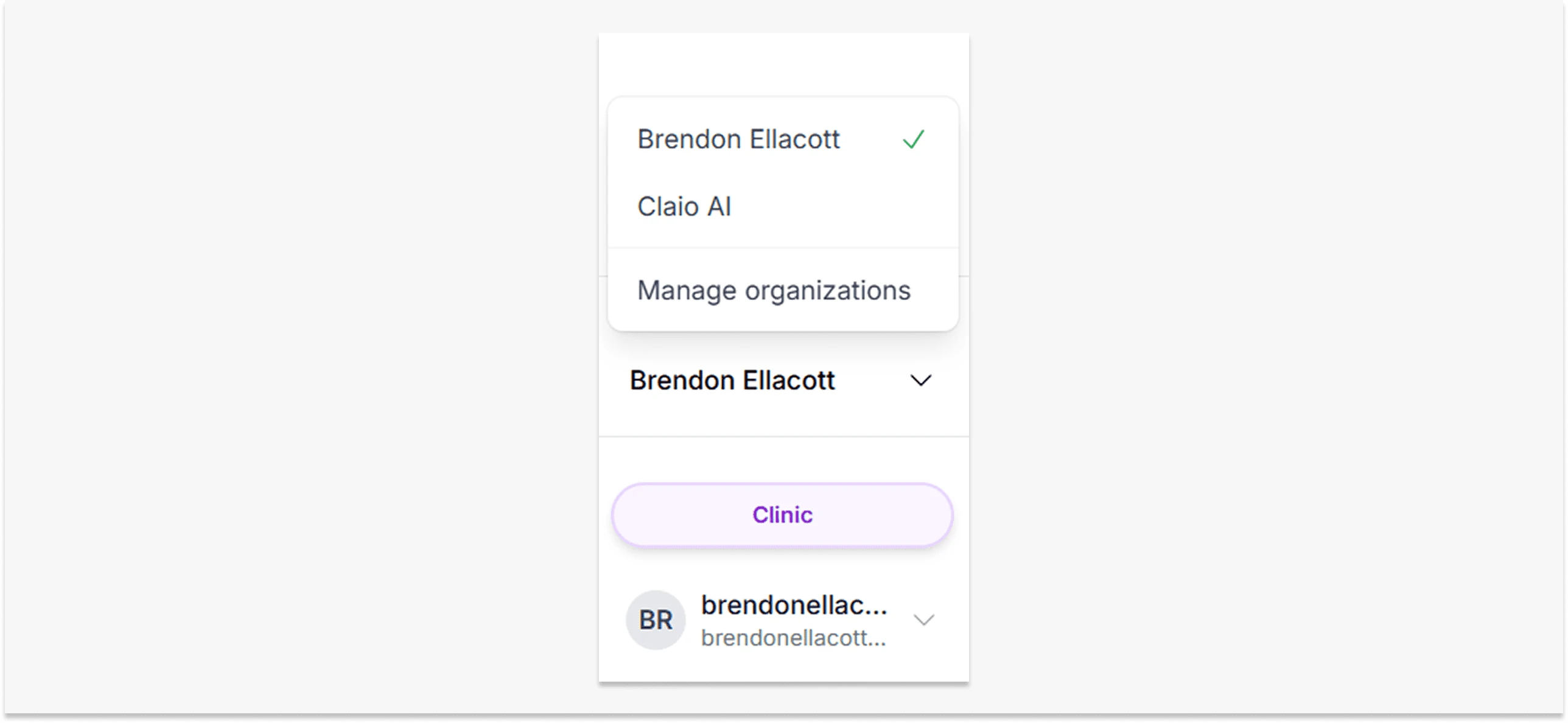
If you use Claio across multiple organizations, you used to have to re-select your org every time you logged in. Now Claio remembers your last selection, so you’re right back where you left off.
How to use it: Simply log back in — Claio will load your last-used org automatically.
Why it matters:
- Save time on every login
- Less friction for daily users
- Especially handy for multi-session workflows
Connect with Google
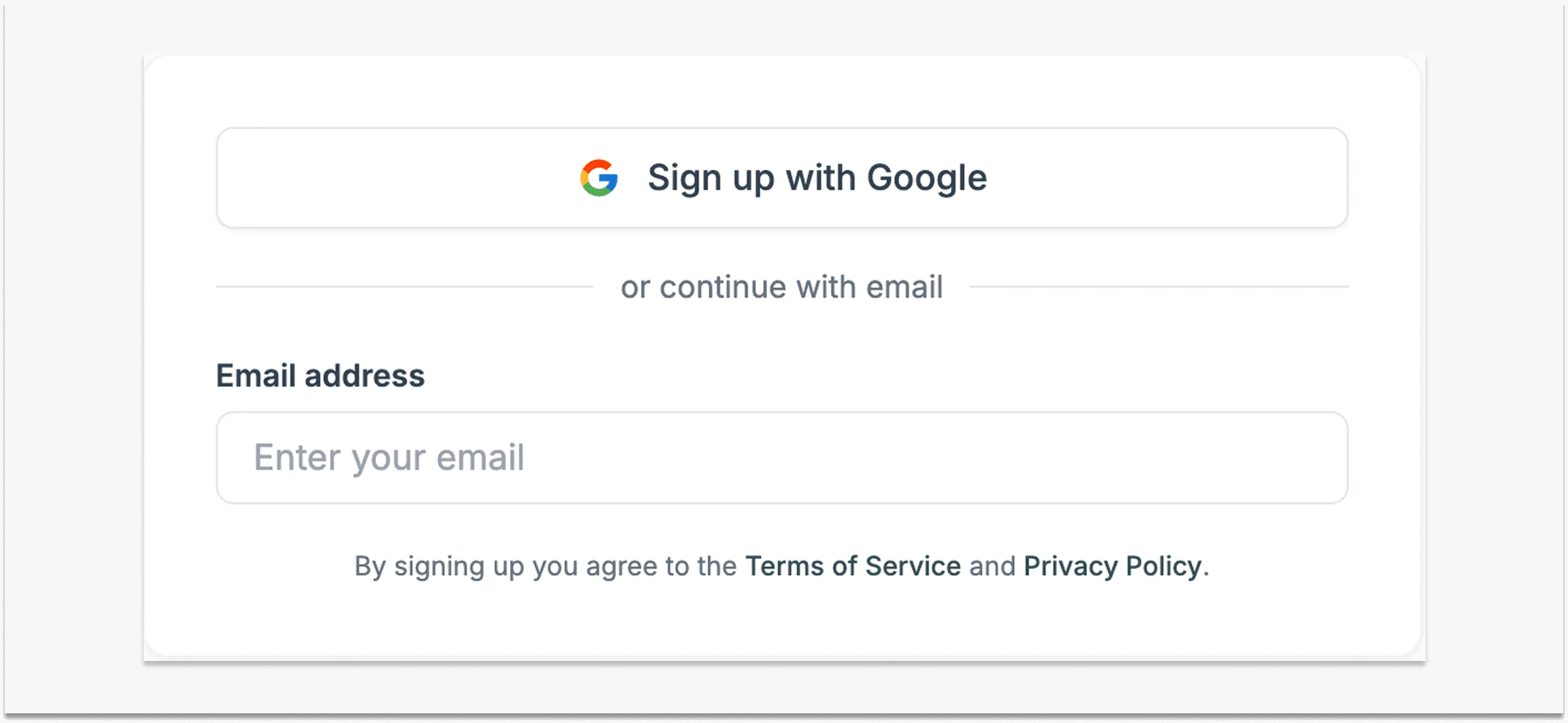
Logging into Claio is now even simpler. Instead of managing another username and password, you can securely sign in using your existing Google account. This makes it faster to get started, easier to onboard new staff, and more secure for organizations that already use Google Workspace.
How to use it:
- On the Claio login page, click Continue with Google.
- Select the Google account you’d like to connect.
- That’s it — you’ll be signed in instantly.
Why it matters:
- Save time on every login
- Less friction for daily users
- Enterprise-grade security
Published by the Claio team