Skip to content

Claio Sidekick

AI Automation for MacPractice & Beyond

Turn your voice into structured clinical text in any app, any field, anytime.

  • Optimized for MacPractice workflows
  • 100% HIPAA compliant and secure
  • Easy 3-step setup

Compatible with macOS 14.0 or later (25.5 MB)

Installation guide
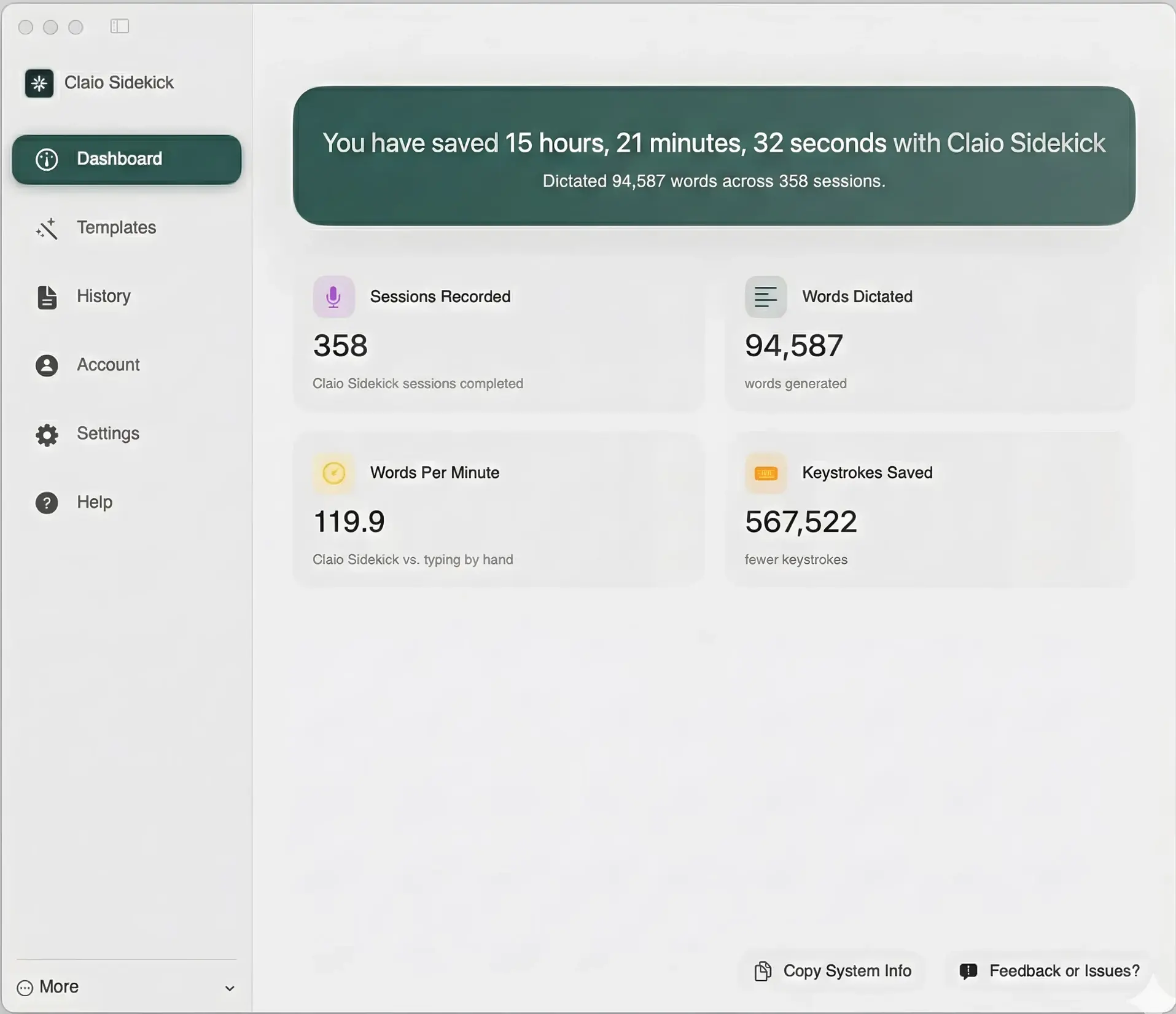
Claio Sidekick dashboard showing sessions recorded, words dictated, and keystrokes saved

119.9

words per minute

94,587

words dictated

567K+

keystrokes saved

Real results. Really fast.

The keyboard killer for clinicians

Sidekick isn't just for patient charts. It's an always-on assistant designed to speed up the hundreds of administrative micro-tasks you do every day.

01Universal input

Works Everywhere

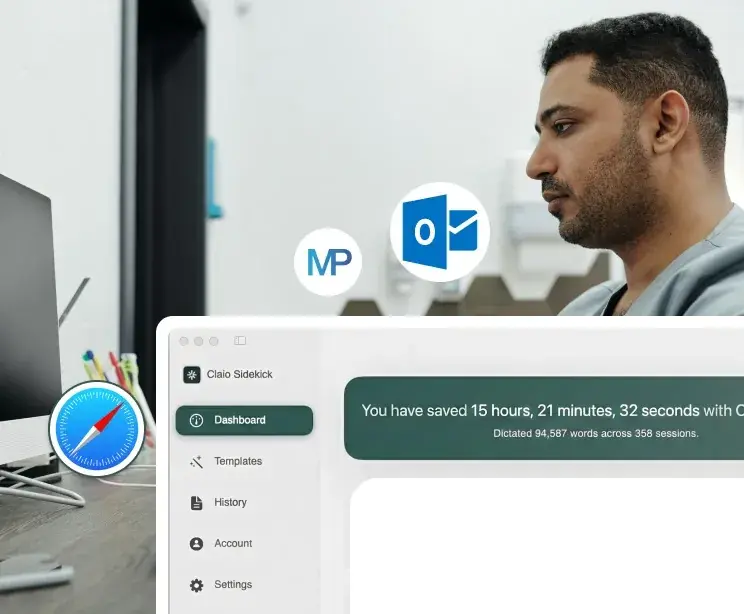
Sidekick isn't trapped in your EHR. Whether you are in MacPractice, Outlook, or Safari, just click any text field, hit your shortcut, and start dictating instantly.

  • Activates in any macOS text field with a single shortcut
  • Seamless with MacPractice, Mail, Safari, and 200+ apps
  • No browser extensions or plugins required

One shortcut. Every app. Zero context switching.

Download for macOS
Sidekick working across MacPractice, Outlook, and Safari

02Clinical vocabulary

Medical & Dental IQ

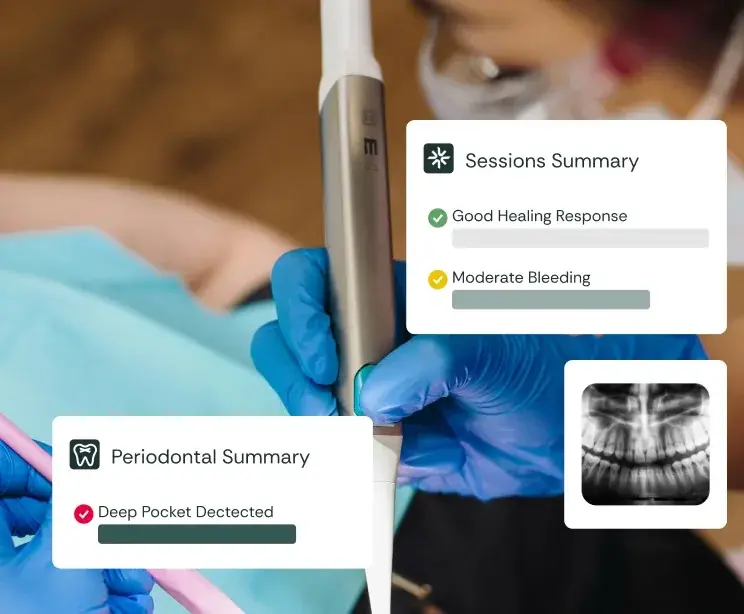
Trained on millions of clinical terms, Sidekick knows "Periodontal" and "Amoxicillin" out of the box. No manual teaching needed — it speaks your language.

  • 95%+ accuracy on medical and dental terminology
  • Handles abbreviations, drug names, and procedure terms
  • Improves continuously with each session

Clinical-grade accuracy without a training period.

Download for macOS
Sidekick recognizing clinical terminology in real time

03Flexible output

Verbatim or Structured

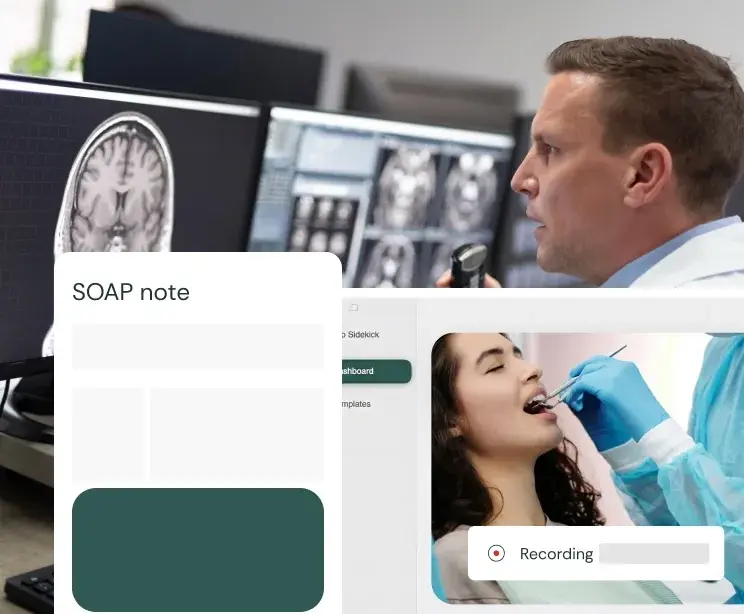
Choose raw dictation or structured notes. Sidekick transcribes verbatim or organizes your speech into clean SOAP charts, handling all formatting.

  • Toggle between verbatim and structured modes instantly
  • Auto-formats SOAP, DAP, and custom templates
  • Preserves your clinical voice while adding structure

Your words, your format, your chart — done in seconds.

Download for macOS
SOAP note generated from voice dictation

Installation guide

How to Activate Your Sidekick

Follow these 3 easy steps to start using Sidekick

1Step 1

Download & Install

Click the download button to get the Sidekick installer. Open the file (Claio-Sidekick.dmg), drag the Sidekick icon into your Applications folder, then launch the app.

2Step 2

Setup & Calibrate

Click Get Started and follow the prompts. Allow microphone access, choose your preferred keyboard shortcut, and complete the quick voice test.

3Step 3

Activate License

Check your inbox for an email with the subject 'Activation Key enclosed'. Copy and paste your key into Sidekick to unlock the full clinical dictionary.

Start Dictating in Under 3 Minutes

Join our Product Expert, Brendon, for a step-by-step guide to installing, calibrating, and activating your new assistant.

FAQ

Common questions.

Does Sidekick work outside MacPractice?

Yes. Sidekick works in any macOS text field, including Mail, Safari, Chrome, Outlook, and every other app. MacPractice is optimized, but every text input on your Mac is supported.

Is my dictation data stored or sent to the cloud?

Audio is processed in real time and never stored on disk. Transcriptions are sent over an encrypted connection and discarded after delivery. Sidekick is fully HIPAA-compliant with BAA coverage.

What macOS version do I need?

Sidekick requires macOS 14.0 (Sonoma) or later. It runs natively on both Apple Silicon and Intel Macs with no Rosetta overhead.

Can I switch between verbatim and structured mode?

Yes. Toggle between modes anytime from the menu bar. Verbatim mode transcribes exactly what you say. Structured mode organizes your speech into SOAP, DAP, or custom templates automatically.

Ready to dictate

Your voice. Your charts. Done.

Download Claio Sidekick and start dictating clinical notes in under 3 minutes.